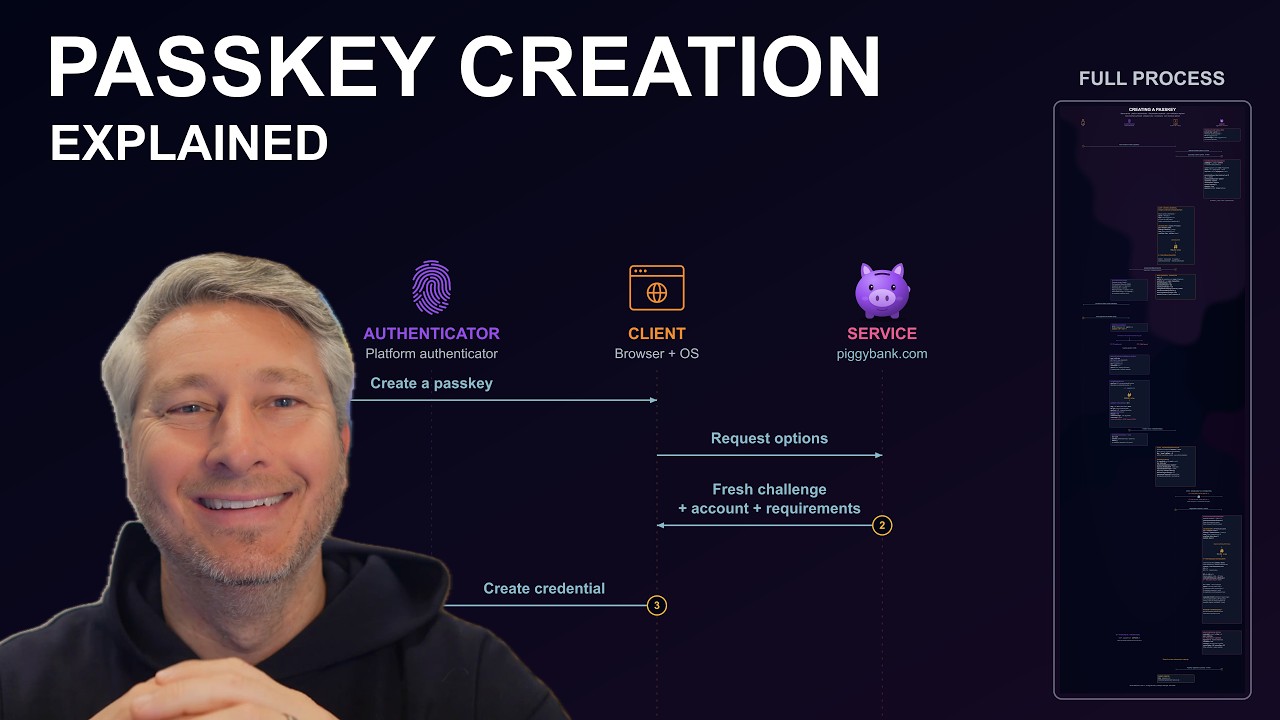
Passkey Creation Explained
Source: YouTube · Destination Certification · published Oct 22, 2026 · 28:43
Published Date: Not stated in the video
This video walks through the full process of creating a passkey, following "Alice" as she registers one for a fictional bank site based on the W3C WebAuthn standard 0:00.
Key Takeaways:
• Four roles are involved: the user, the authenticator (stores the private key and verifies the user locally), the client (browser coordinating the request), and the service/relying party, which validates responses and stores the public key 1:54.
• The service sends creation options: a fresh challenge, account info, RP ID, and requirements like algorithm, platform authenticator, discoverable credential, and user verification 6:05.
• The browser validates the request (secure context, RP ID matching the origin) and hashes the client data before forwarding it 9:05.
• After Alice's local consent (fingerprint, face ID, or PIN), the authenticator generates a key pair, assigns a credential ID, and builds authenticator data with an RP ID hash, flags, and a signature counter to help detect cloning 13:29.
• The private key, PIN, and biometrics never leave the device; only the public key and credential ID return to the service over TLS-protected HTTPS 17:41.
• The service verifies the challenge, origin, RP ID hash, flags, algorithm, attestation, and credential ID uniqueness, then saves the public key to Alice's account 21:40.
The result is a credential split across two ends—the authenticator holds the private key while the service registers the matching public key—setting the stage for passwordless login in the next video 27:56.
Sources:
Generate CPE Credits
Generate a professional CPE document from this video's transcript.
Estimated credit: 0.5 CPE hours
Estimate uses the video runtime (1 hour ≈ 1 CPE, rounded to the nearest 0.5, minimum 0.5, maximum 2.0). The final amount can be lower after review, never higher.
Topic: Identity & Access Management. Commonly maps to: Identity and Access Management (IAM), Security Architecture and Engineering. Exact CISSP domains are assigned during generation.
Free account. One generation at a time, with a daily limit.
CPEBuddy is independent and not affiliated with or endorsed by ISC2, ISACA, or any certification body. Exports are formatted for common CPE submissions; acceptance is at your certification body's discretion.
Transcript Preview
First 800 characters of the transcript
You've probably heard that pass keys are the future of authentication, and you want to know in more detail how they work, but you're not particularly stoked to spend your entire evening reading this, the official specification, W3C's web authentication standard. If that resonates, this is the video for you. I've read this whole riveting standard so you don't have to. And I'm going to explain the full process for creating a pass key in a borderline fun way. We'll follow Alice as she creates a pass key to log into her bank, pbank.com. And I'll show you all the steps that happened behind the scenes to create her shiny new pass key so you can understand the process. First things first, what's a pass key? A pass key is a sign-in credential that uses a pair of cryptographic keys. And there's som…