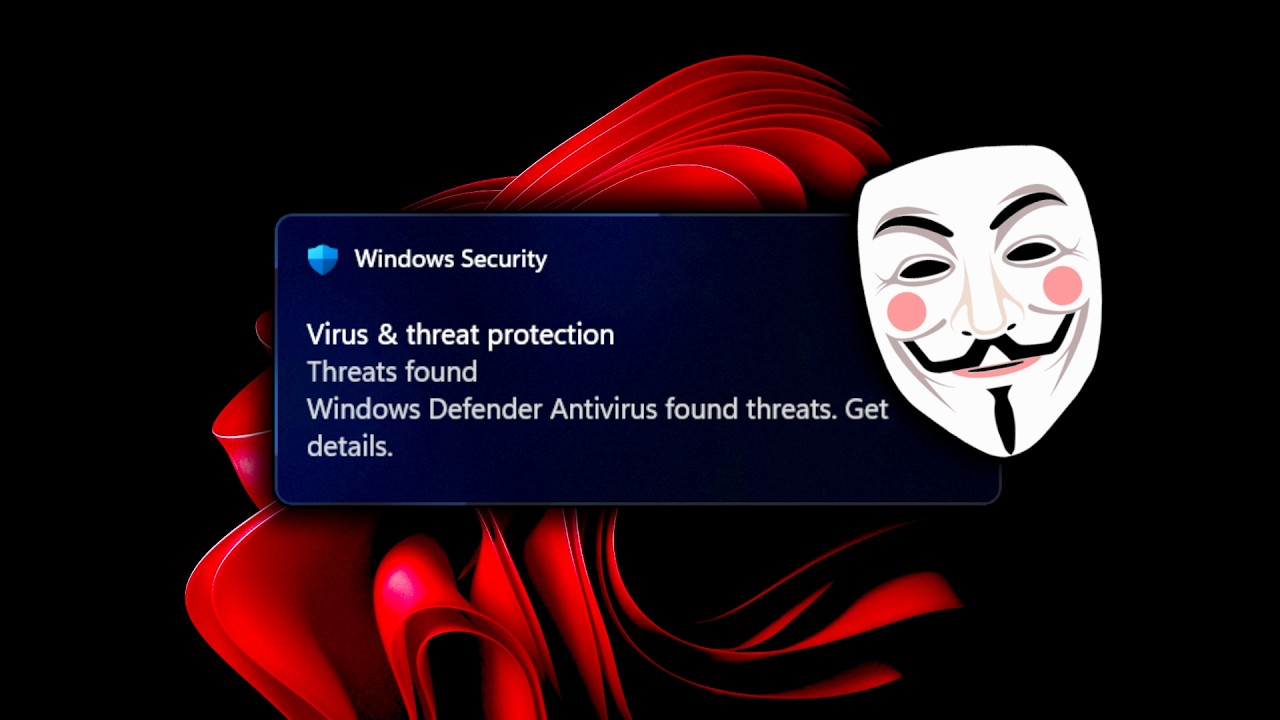
Hackers make FAKE notifications
Source: YouTube · John Hammond · published Apr 7, 2026 · 22:38
This video demonstrates how hackers can exploit the Windows 11 registry via PowerShell to forge fake system notifications, undermining user trust in their own applications 0:00.
Key Takeaways:
• Users inherently trust notifications from their installed applications, making fake alerts a highly effective social engineering vector 0:00.
• The attack leverages PowerShell to access the Windows registry by treating the HKEY_CURRENT_USER (HKCU) hive as a standard PS drive 0:14.
• Attackers navigate to the Software\Microsoft\Windows\CurrentVersion\Notifications\Settings registry path to find and manipulate applications registered to send alerts 0:34.
By understanding how notification settings are stored in the registry, attackers can deceive users into taking harmful actions by impersonating legitimate software alerts.
Sources:
Generate CPE Credits
Generate a professional CPE document from this video's transcript.
Estimated credit: 0.5 CPE hours
Estimate uses the video runtime (1 hour ≈ 1 CPE, rounded to the nearest 0.5, minimum 0.5, maximum 2.0). The final amount can be lower after review, never higher.
Topic: Cybersecurity. Commonly maps to: Security and Risk Management, Security Operations. Exact CISSP domains are assigned during generation.
Free account. One generation at a time, with a daily limit.
CPEBuddy is independent and not affiliated with or endorsed by ISC2, ISACA, or any certification body. Exports are formatted for common CPE submissions; acceptance is at your certification body's discretion.
Transcript Preview
First 800 characters of the transcript
How often do you get notifications on your computer? You trust them, right? After all, it's your computer from applications you installed. So, they wouldn't be malicious, would they? But what if a hacker could fake notifications? I'm going to show you how. So, I'm on my Windows 11 virtual machine and I'm going to open up the terminal to have access to PowerShell here. And I'm going to try and query the Windows registry that's available as a PS drive or PowerShell drive when we include the colon right after the hive. And I'll access HKCU or HQ current user. I'm going to look into software and Microsoft Windows using tab complete to speed this up here. And I'm looking for notifications and their settings. This is where Microsoft Windows might register different applications that are able to …