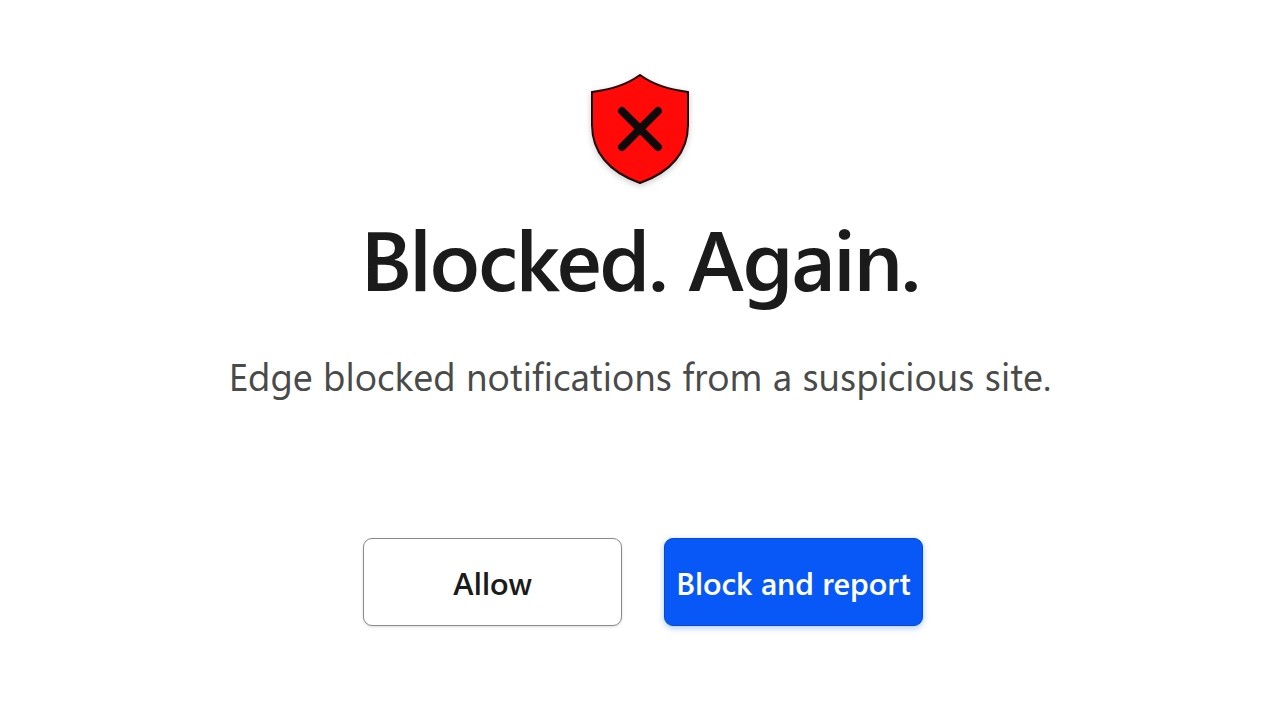
Microsoft Edge Did ANOTHER Awesome Thing
Source: YouTube · John Hammond · published Nov 4, 2026 · 17:41
Microsoft Edge's Scareware Blocker has expanded to tackle malicious website notification abuse, with new protections that let users block-and-report abusive notification prompts and automatically disable notification permissions when they lead to harmful sites 1:42-1:52.
Key Takeaways:
- Scareware Blocker is now fully deployed and protecting tens of thousands of users daily, and has become Microsoft's top source of automated internal threat intelligence—each user report protects about 50 additional users 0:32-1:13
- Researchers found a link between scareware victims and malicious website notifications, where sites trick users into granting notification permissions via fake "prove you're not a robot" prompts 1:42-2:34
- A new split-button "Block and report" option appears inline in the notification permission prompt, similar to blocking unwanted text messages on mobile—one report can protect up to 300 other users 4:30-5:08
- Malicious sites use ephemeral subdomains for each victim while juicing engagement scores on their top-level domain to evade Chromium guardrails; Microsoft now identifies and blocks the entire domain 8:58-10:08
- Edge now detects when a granted notification leads to a scareware or SmartScreen block, and automatically disables that site's notification permission—visible after a browser restart with an explanation in settings 12:32-13:51
The broader message is that client-side intelligence paired with easy user reporting creates outsized, asymmetric protection—shielding not just the reporting user but potentially hundreds of others. These protections are especially valuable for less tech-savvy users who find scareware and notification spam genuinely frightening 16:21-17:10.
Sources:
- 0:32 Scareware Blocker's success and threat intelligence impact
- 1:42 Discovery of the link between scareware and malicious notifications
- 4:30 The block-and-report permission prompt feature and its 300-user protection potential
- 8:58 Ephemeral subdomain tactics and domain-level blocking
- 12:32 Demo of automatic notification permission revocation
- 16:21 Closing discussion on protecting non-technical users
Generate CPE Credits
Generate a professional CPE document from this video's transcript.
Estimated credit: 0.5 CPE hours
Estimate uses the video runtime (1 hour ≈ 1 CPE, rounded to the nearest 0.5, minimum 0.5, maximum 2.0). The final amount can be lower after review, never higher.
Topic: Cybersecurity. Commonly maps to: Security and Risk Management, Security Operations. Exact CISSP domains are assigned during generation.
Free account. One generation at a time, with a daily limit.
CPEBuddy is independent and not affiliated with or endorsed by ISC2, ISACA, or any certification body. Exports are formatted for common CPE submissions; acceptance is at your certification body's discretion.
Transcript Preview
First 800 characters of the transcript
Alrighty. Hi everyone. Hey, thank you so much for tuning in. Look, I'm stoked to get a chance to hang out again with some great friends of mine, Rob. Rob Franco, the principal product manager over at Microsoft, and an extra special guest with him today, Lou. Lou Hong, one of the senior software engineers at Microsoft. And hey, gentlemen, I think you've been up to some crazy cool stuff lately. Could you mind letting me know what are you up to these days? >> Uh, John, thanks for having us back. We were here right after we launched the preview of Scareware Blocker and it's awesome to be back. Um, Scareware Blocker has uh really been a great success. It is out in the market uh fully enabled for all users. It is protecting tens of thousands of users directly uh every day. But one of the things …