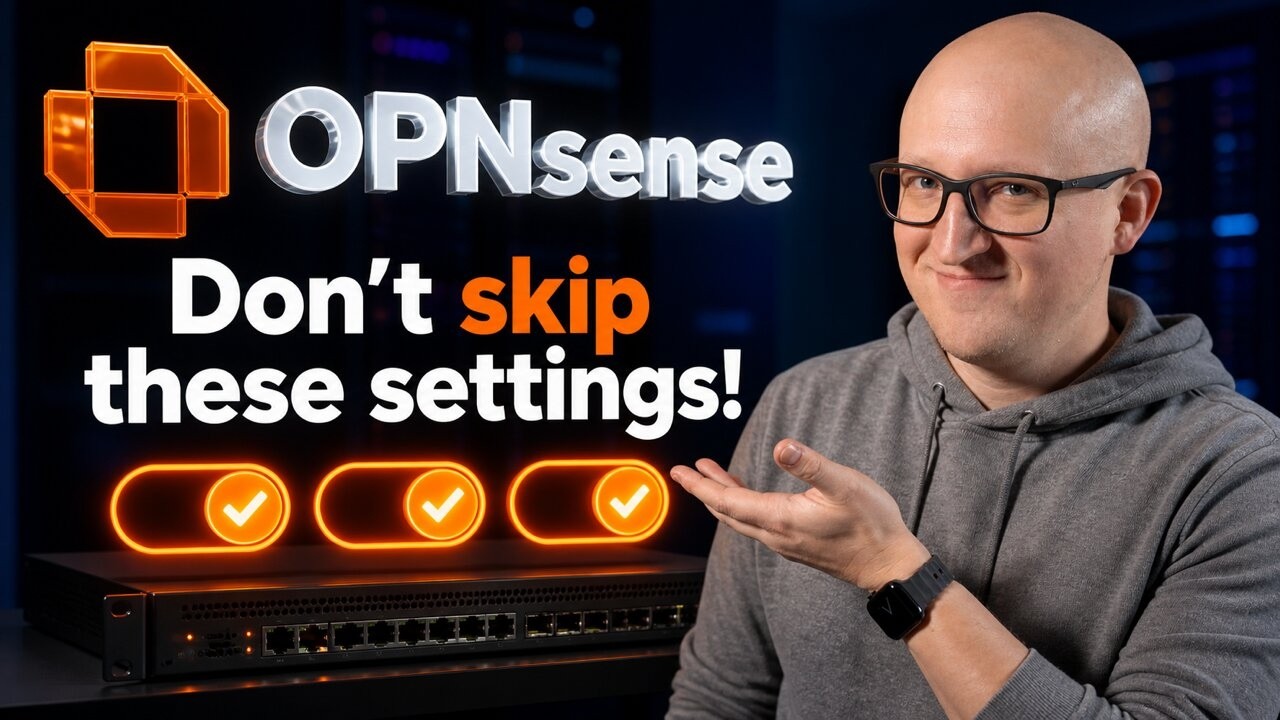
OPNsense Must-Haves: Settings & Plugins You Should Enable
Source: YouTube · Christian Lempa · published Oct 20, 2026 · 22:37
This video is an updated guide to critical settings for a fresh OPNsense install, covering filesystem, backups, secure admin, DHCP/DNS, firewall rules, threat intel, and monitoring 0:00-0:45.
Key Takeaways:
• Choose ZFS at install for snapshots and redundancy — mirrored NVMe drives keep the system running if one fails 1:05-1:58
• Automate offsite backups with the os-sftp-backup plugin; redundancy isn't backup 2:39-4:21
• Block WAN access to SSH/web UI, restrict SSH interfaces, and use SSH keys instead of root passwords 5:26-7:20
• Get a free trusted TLS cert via the ACME/Let's Encrypt plugin 7:41-9:12
• Migrate legacy ISC DHCP to Kea; use MAC-based reservations outside the pool for reliable IP-based rules 9:32-11:16
• New firewall rules (26.1) add API support; use live logs, rule IDs, and diagnostics to troubleshoot blocks 12:45-15:58
• Free QFeeds plugin blocks 200K+ malicious IPs and 100K+ malware domains 16:00-18:14
• Export metrics via Telegraf/Prometheus/Grafana to monitor ZFS health, which the dashboard lacks 18:50-21:05
These settings turn a basic install into a robust, well-monitored firewall, and the creator invites plugin/topic suggestions for follow-ups.
Sources:
- 0:00-0:45 Intro
- 1:05-1:58 ZFS/mirrored drives
- 2:39-4:21 Offsite backups
- 5:26-7:20 Secure admin
- 7:41-9:12 ACME TLS certs
- 9:32-11:16 Kea DHCP
- 12:45-15:58 Firewall rules
- 16:00-18:14 QFeeds threat intel
- 18:50-21:05 Grafana monitoring
Generate CPE Credits
Generate a professional CPE document from this video's transcript.
Estimated credit: 0.5 CPE hours
Estimate uses the video runtime (1 hour ≈ 1 CPE, rounded to the nearest 0.5, minimum 0.5, maximum 2.0). The final amount can be lower after review, never higher.
Topic: Cybersecurity. Commonly maps to: Security and Risk Management, Security Operations. Exact CISSP domains are assigned during generation.
Free account. One generation at a time, with a daily limit.
CPEBuddy is independent and not affiliated with or endorsed by ISC2, ISACA, or any certification body. Exports are formatted for common CPE submissions; acceptance is at your certification body's discretion.
Transcript Preview
First 800 characters of the transcript
A little over a year ago, I decided to start using OpenSense as the main firewall system for running my home lab network. This system is absolutely fantastic. It routes all the traffic for all my home networks. It controls the access between all my VLANs and devices and even handles critical services like DNS and DHCP. And the more I started using it, the more I learned what actually matters beyond the initial setup because there are a few critical things that you should pay attention to as well as some recent changes that have been added to the system. So, I thought it's a good time to put together an updated guide to all the important settings that I would configure on a fresh OpenSense installation. So, let's not waste any more time. Let's get straight into it. So, this is my production…