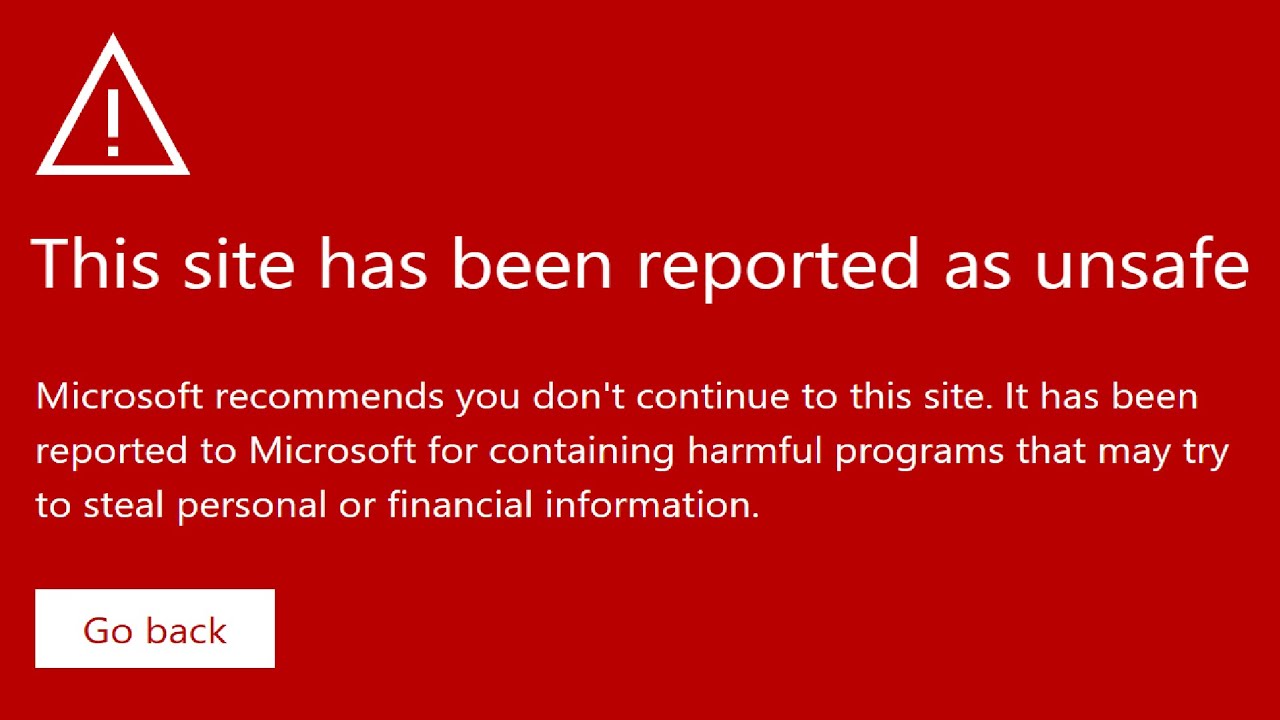
Bypassing SmartScreen on Web Browsers
Source: YouTube · John Hammond · published Apr 18, 2024 · 17:33
This video demonstrates how to bypass browser security protections like Microsoft Defender SmartScreen and Google Safe Browsing by modifying the Windows hosts file to block their verification domains 0:00-1:53.
Key Takeaways:
• Security tools like BloodHound and Mimikatz are often blocked by browser protections during ethical hacking work 0:00-1:53
• By adding domains like telem.telemetry.microsoft.com to the hosts file with 0.0.0.0, you can bypass Microsoft Edge's SmartScreen 6:12-6:40
• For Google Chrome, blocking safebrowsing.googleapis.com and sb-ssl.google.com bypasses Safe Browsing protections 8:46-9:26
• Microsoft acknowledged this technique but stated they won't fix it as it requires local network control 15:49-16:19
This method works because these security features fail open when unable to connect to their verification servers 15:30-15:40.
Sources:
- 0:00-1:53 Introduction to browser security blocking legitimate security tools
- 1:53-2:32 DNS/network configuration changes as a solution
- 6:12-6:40 Modifying hosts file to block SmartScreen domains
- 8:46-9:26 Chrome Safe Browsing domains to block
- 13:02-13:18 Additional Chrome domain (sb-ssl.google.com)
- 15:49-16:19 Microsoft's response to the issue
Generate CPE Credits
Generate a professional CPE document from this video's transcript.
Estimated credit: 0.5 CPE hours
Estimate uses the video runtime (1 hour ≈ 1 CPE, rounded to the nearest 0.5, minimum 0.5, maximum 2.0). The final amount can be lower after review, never higher.
Topic: Cybersecurity. Commonly maps to: Security and Risk Management, Security Operations. Exact CISSP domains are assigned during generation.
Free account. One generation at a time, with a daily limit.
CPEBuddy is independent and not affiliated with or endorsed by ISC2, ISACA, or any certification body. Exports are formatted for common CPE submissions; acceptance is at your certification body's discretion.
Transcript Preview
First 800 characters of the transcript
have you ever been doing some ethical hacking maybe penetration testing work maybe security research digging into malare and you tried to download something from the internet but your web browser stopped you you know say I'm over on Windows and I open up my web browser I simply want to Google maybe we'll get blood hound for active director yep okay thanks for that Google I mean The Blood Hound GitHub page to do some I don't know enumeration reconnaissance in an active directory environment and we'd go download the tool but we can't because our web browser says hey that's unsafe in this case I'm using Microsoft Edge and that whines and complains because oh Microsoft Defender smart screen says we're not allowed to go to that web page unless we move through it click to the continue to unsafe …