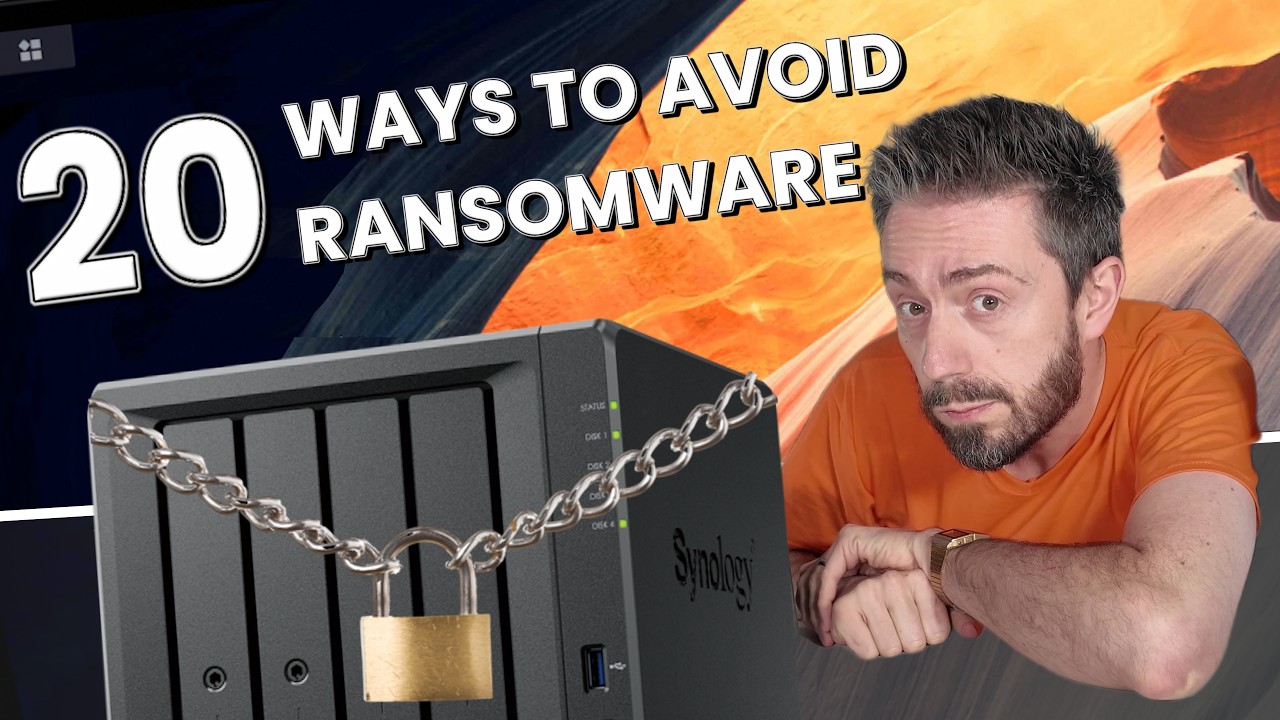
20 Ways To Protect Your Synology from Ransomware
Source: YouTube · NASCompares · published Nov 5, 2026 · 20:09
Following an ongoing ransomware campaign targeting un-updated, internet-exposed Synology NAS devices, the video presents 20 practical steps to harden your NAS against ransomware and other attacks 0:04-0:23.
Key Takeaways:
• Update DSM firmware to the latest revision, enable automatic critical/security updates, and manually verify in Synology's Download Center since auto-updates have failed some users on older systems 1:23-2:45
• Never expose a NAS running an outdated DSM version to the internet, regardless of the access method (QuickConnect, port forwarding, etc.) 2:53-3:19
• Use a VPN tunnel like Tailscale (free for most users) for remote access, disable QuickConnect if unused, and randomize default ports to shrink your attack surface 3:55-5:11
• Enable auto block (login failure lockout) and DoS protection, turn off unused file services and SSH, disable the admin account, use 2FA, and use the built-in firewall 6:24-9:54
• Isolate the NAS on its own switch or VLAN, air-gap it with scheduled power on/off windows, and create least-privilege user accounts for individual apps like Plex 10:54-16:33
• Run snapshots and immutable backups stored off-system (e.g., USB drives), tailor notification alerts beyond defaults, and critically, test your recovery by simulating a ransomware scenario 14:26-19:18
Most of these measures take only minutes, but collectively they dramatically reduce your exposure—while tested, off-system backups are your last line of defense if prevention fails. If you've been affected, seek help rather than criticism, as "it could have been you" 19:53-20:03.
Sources:
- 0:04-0:23 Context on the ongoing Synology ransomware attack and purpose of the video
- 1:23-2:45 Firmware updates and verifying the Download Center manually
- 2:53-3:19 Warning against exposing outdated DSM versions online
- 3:55-5:11 VPN usage, QuickConnect, and port randomization
- 6:24-9:54 Auto block, disabling unused services/SSH, admin account, 2FA
- 10:54-16:33 Air gapping, VLAN isolation, app-specific user accounts
- 14:26-19:18 Snapshots, immutable off-system backups, and recovery testing
- 19:53-20:03 Closing appeal for civility toward ransomware victims
Generate CPE Credits
Generate a professional CPE document from this video's transcript.
Estimated credit: 0.5 CPE hours
Estimate uses the video runtime (1 hour ≈ 1 CPE, rounded to the nearest 0.5, minimum 0.5, maximum 2.0). The final amount can be lower after review, never higher.
Topic: Cybersecurity. Commonly maps to: Security and Risk Management, Security Operations. Exact CISSP domains are assigned during generation.
Free account. One generation at a time, with a daily limit.
CPEBuddy is independent and not affiliated with or endorsed by ISC2, ISACA, or any certification body. Exports are formatted for common CPE submissions; acceptance is at your certification body's discretion.
Transcript Preview
First 800 characters of the transcript
Hello and welcome back. And that is right, today we return to the subject of Synology NAS. On Friday we published a video about an ongoing ransomware attack taking place right now on un-updated Synology NAS systems, primarily targeting systems that were open to the internet, but also ones that were running outdated versions of DSM. All of this culminated into certain devices being in a perfect state to be hit with a specific ransomware that we talked about before, and over the course of the weekend multiple users have already started volunteering that they have been hit looking at recovery options. And the majority of them I would argue is people going, "I done effed up. I know I should have been updating. I know I shouldn't have exposed it." And to mix levels of sympathy and frankly deris…