Access ANY Network (remotely)
Source: YouTube · NetworkChuck · published Dec 20, 2024 · 22:01
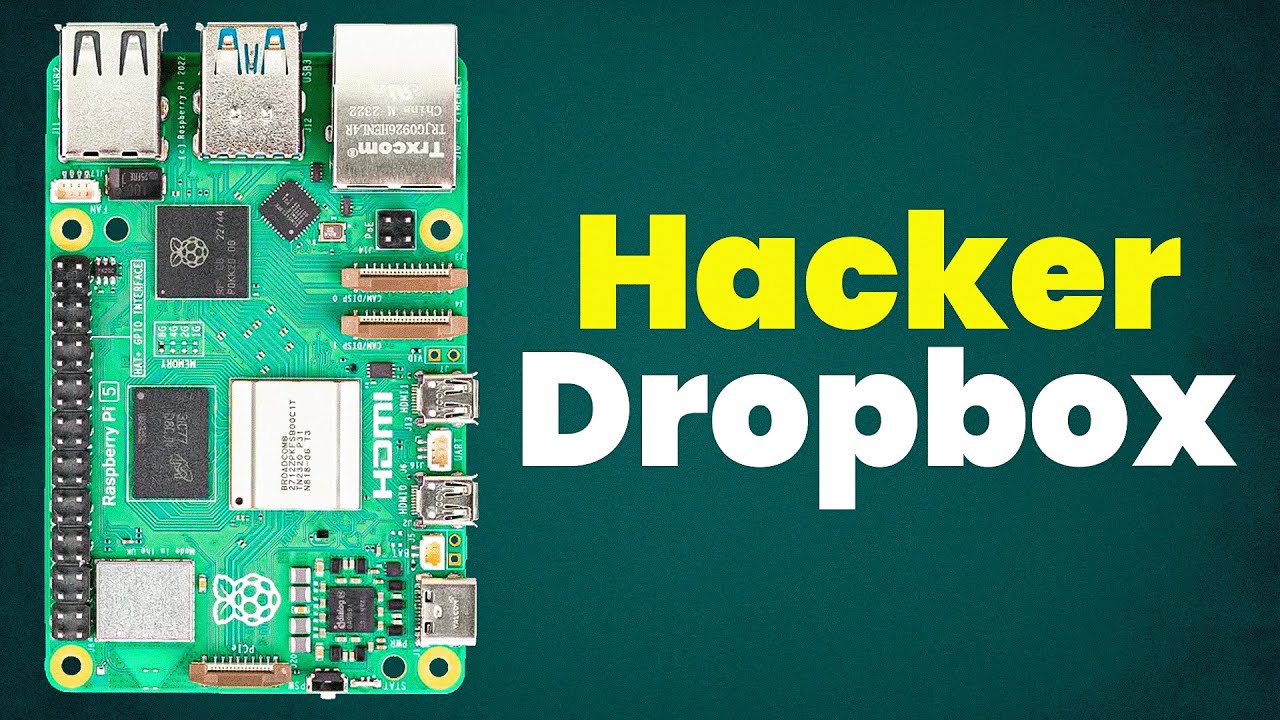
This video demonstrates how to set up a Raspberry Pi with Twin Gate for zero-trust remote network access 0:00. The creator wants remote access to provide IT support for their church and for pen testing purposes 0:11.
Key Takeaways:
• Twin Gate is a free zero-trust network access solution that doesn't require complex firewall configurations 2:07
• Setup involves creating a Twin Gate account, configuring a remote network, and deploying a connector on a Raspberry Pi 3:00
• The Raspberry Pi needs to be flashed with appropriate OS and connected to the target network via ethernet or WiFi 4:54
• A Python script using Twin Gate's API can automatically discover network information and create resources 11:25
• Once connected, you can access devices remotely, run network scans, and set detailed access policies 17:22
• Service accounts can be created for applications to monitor network resources without opening firewall ports 21:15
This setup enables secure remote access to any network using Twin Gate and a Raspberry Pi, making it ideal for both support and ethical security testing.
Sources:
- 0:00 Introduction to the remote access device concept
- 0:11 Reasons for setting up remote access
- 2:07 Twin Gate as a zero-trust network access solution
- 3:00 Creating a Twin Gate account and network
- [4:54](https://www.youtube.com/watch?v=1lZ3FQ
Generate CPE Credits
Generate a professional CPE document from this video's transcript.
Estimated credit: 0.5 CPE hours
Estimate uses the video runtime (1 hour ≈ 1 CPE, rounded to the nearest 0.5, minimum 0.5, maximum 2.0). The final amount can be lower after review, never higher.
Topic: Identity & Access Management. Commonly maps to: Identity and Access Management (IAM), Security Architecture and Engineering. Exact CISSP domains are assigned during generation.
Free account. One generation at a time, with a daily limit.
CPEBuddy is independent and not affiliated with or endorsed by ISC2, ISACA, or any certification body. Exports are formatted for common CPE submissions; acceptance is at your certification body's discretion.
Transcript Preview
First 800 characters of the transcript
This device will give me access
to any network I walk in, plug in ethernet or wifi, walk away and
I'm in. It's my network now. And no, it's not VPN. We'll talk more about
that. But first, why are we doing this? Two reasons. Number one, I am kind of
the unofficial IT guy for my church. Now being in tech, that happens
a lot in almost every situation. My parents, my friends, parents', friends,
you can try and escape the help desk. It'll always find you and lemme tell
you, troubleshooting their issues, especially networking. Massive
pain. So here's what I'm thinking. If I'm going to be their IT
guy, I'm going to do it well. I'm going to take control. I'll
need full access to their networks. I'm not playing around anymore. You want
support, you're going to get it. Now, reason number two would b…