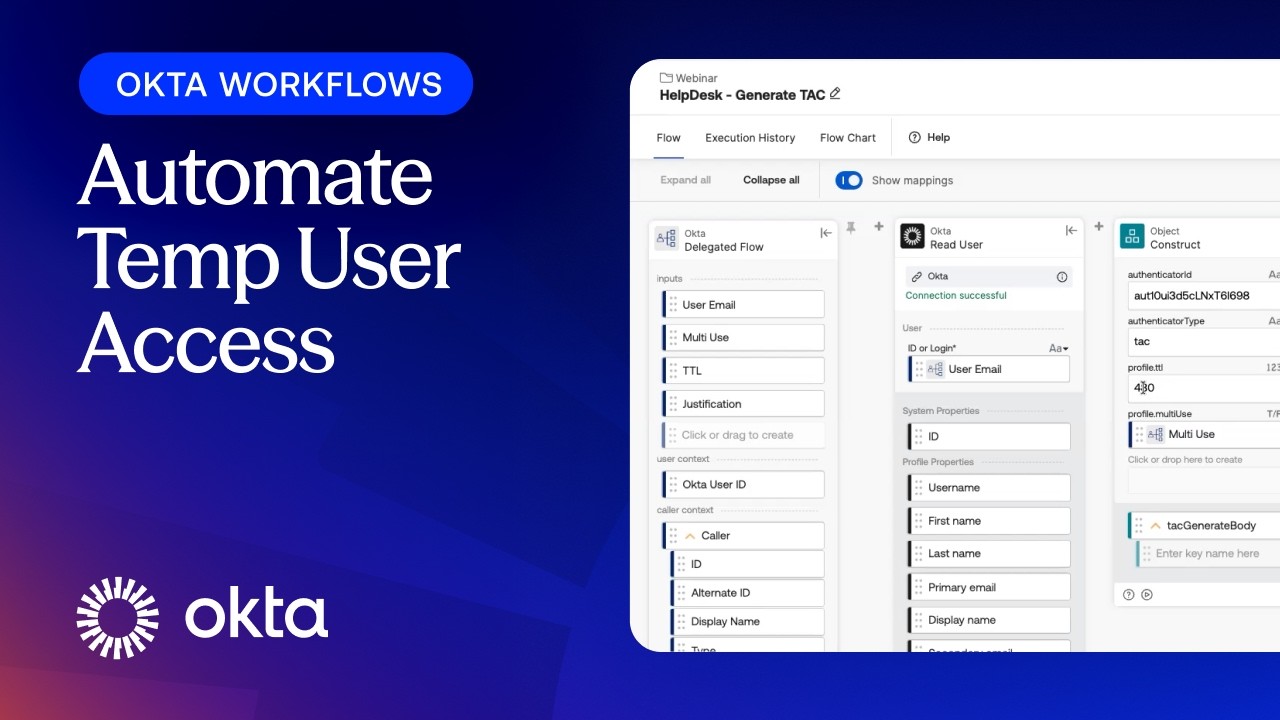
How to Automate Temp User Access in Okta Using Workflows
Source: YouTube · Okta · published Oct 13, 2026 · 20:07
BLUF: This demo illustrates how to automate the creation and lifecycle management of Okta Temporary Access Codes (TAC) using Okta Workflows and Event Hooks, eliminating manual help desk steps and preventing login failures caused by stale group memberships 0:11.
Key Takeaways:
• TAC provides one-time or multi-use codes for scenarios like lost factors or passwordless onboarding, but requires specific configuration in Okta Identity Engine (OIE) 1:01.
• Manual TAC creation involves generating the code and manually adding the user to a designated group, which triggers the TAC-only authentication policy 4:48.
• A major pain point occurs when users remain in the TAC group after the code expires; subsequent logins fail because the policy still demands a TAC that the user no longer possesses 7:02.
• Okta Workflows can automate TAC generation via a public API endpoint, allowing help desks to input user email, usage type, and justification 9:25.
• The workflow automatically adds the user to the temporary access group and sends the generated code to the help desk via Slack, as delegated workflows lack native response display 13:01.
• To solve the stale group issue, an Event Hook monitors for the "user MFA factor has been deactivated" event with the reason "TAC" 16:11.
• This Event Hook triggers a secondary workflow that automatically removes the user from the temporary access group upon TAC expiry, restoring normal authentication flows 17:35.
Closing Statement: By integrating Okta Workflows with Event Hooks, organizations can fully automate the TAC lifecycle, ensuring secure temporary access while maintaining a seamless user experience post-authentication.
Sources:
- 1:01 Definition and use cases for Temporary Access Codes (TAC).
- 4:48 Manual process of creating a TAC and managing group membership.
- 7:02 Explanation of login failures due to users remaining in the TAC group.
- 9:25 Overview of the Okta API for generating TACs.
- 13:01 Use of Slack notifications to deliver codes from automated workflows.
- 16:11 Configuration of Event Hooks to detect TAC expiration.
- 17:35 Workflow logic for automatically removing users from the temporary group.
Generate CPE Credits
Generate a professional CPE document from this video's transcript.
Estimated credit: 0.5 CPE hours
Estimate uses the video runtime (1 hour ≈ 1 CPE, rounded to the nearest 0.5, minimum 0.5, maximum 2.0). The final amount can be lower after review, never higher.
Topic: Identity & Access Management. Commonly maps to: Identity and Access Management (IAM), Security Architecture and Engineering. Exact CISSP domains are assigned during generation.
Free account. One generation at a time, with a daily limit.
CPEBuddy is independent and not affiliated with or endorsed by ISC2, ISACA, or any certification body. Exports are formatted for common CPE submissions; acceptance is at your certification body's discretion.
Transcript Preview
First 800 characters of the transcript
Hi everyone, my name is Karthik and I'm a Senior Technical Account Manager here at Okta. In this demo, I'm going to walk you through how to automate temporary access to Okta using TAC or the Temporary Access Code Authenticator, Okta Workflows, and Human Tools. Before we get into the workflows build, let's set the stage by looking at manual TAC creation process and the pain points in current end user login experience. From there, we will see exactly how we can leverage Okta Workflows and Event Hooks to automate the entire process, which is the core objective of this demo. First, let's review what a TAC is, how it can be used, and then I will show you how an Okta admin enables and configures this authenticator. Then we will look at how an admin or a help desk user actually goes about manuall…